
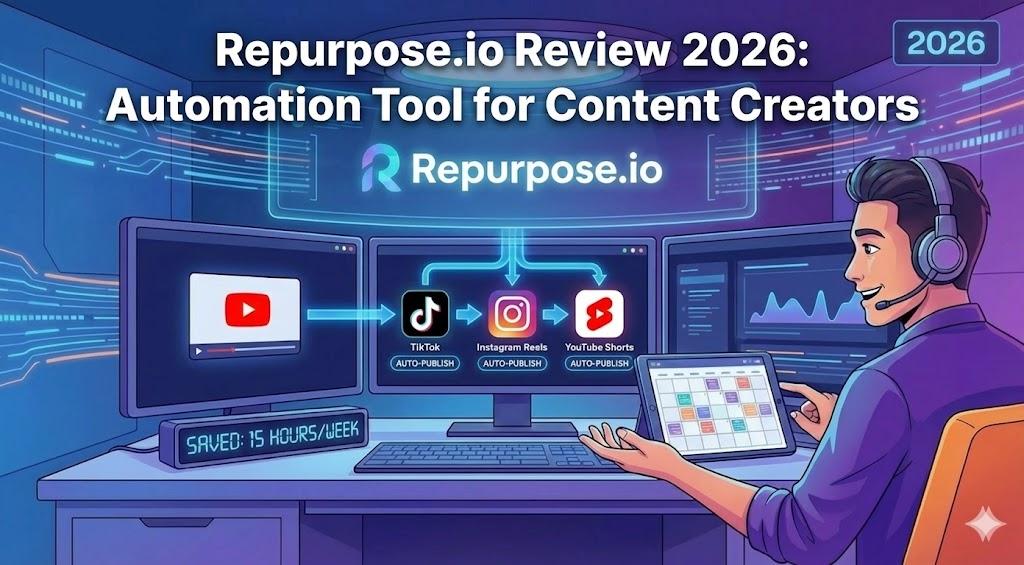
In the fast-paced world of digital marketing, the ability to produce volume without sacrificing quality is the holy grail. As a creator, you know the struggle: you film a perfect YouTube video, but editing it into clips for TikTok, Instagram Reels, and YouTube Shorts takes hours of manual labor. This is where automation becomes essential. In this comprehensive repurpose review, we will explore how repurpose io has revolutionized the workflow for thousands of influencers and businesses.
If you are looking to save time and expand your reach across multiple platforms simultaneously, this tool claims to be the solution. But does it live up to the hype? We will dive deep into the features, the “repurpose center” dashboard, and how repurpose Content Creators can leverage this software to dominate the algorithm in 2026.
What is Repurpose.io? Defining the Concept
Before we dive into the technicalities, it is crucial to define repurpose in the context of modern digital marketing. Repurposing is the act of taking a single piece of “pillar content” (like a podcast, a YouTube video, or a live stream) and transforming it into multiple pieces of micro-content for different platforms.
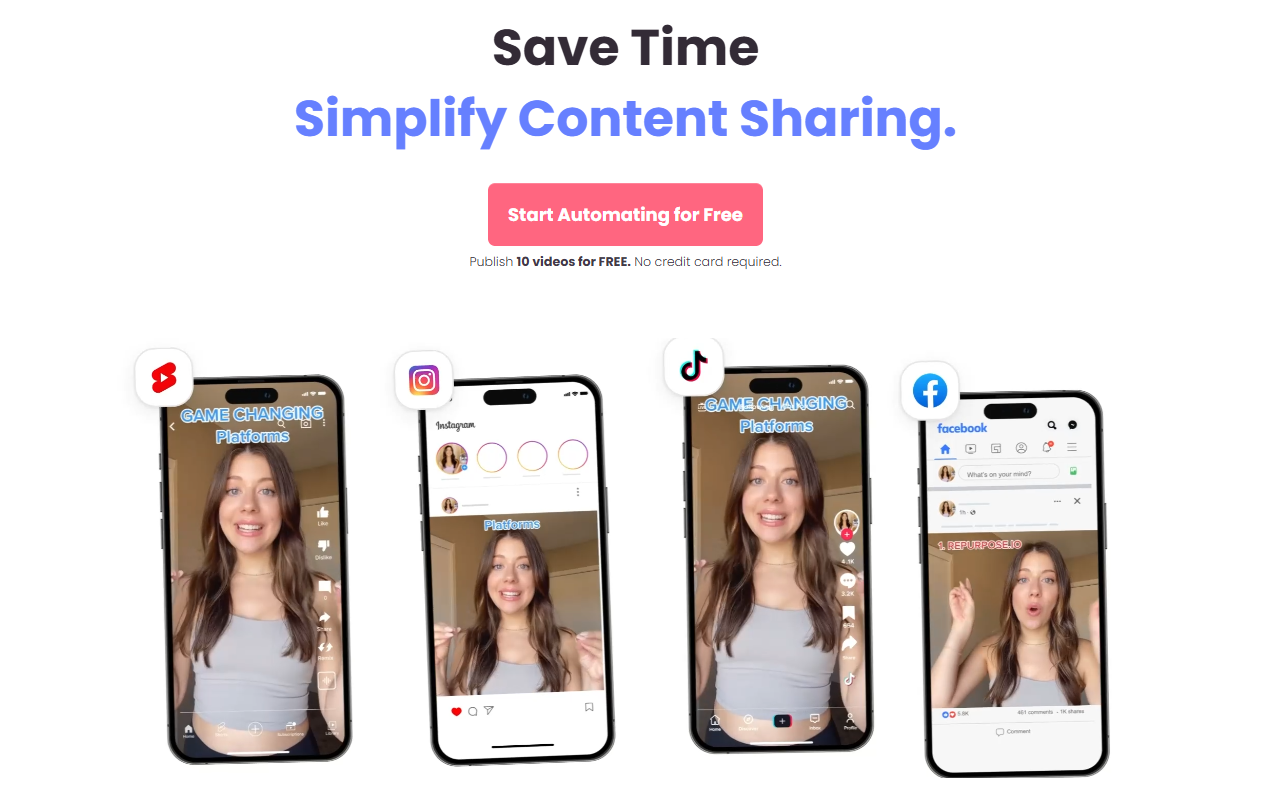
For example, a video uploaded to TikTok can automatically be downloaded without the watermark and published to Instagram Reels, YouTube Shorts, and Pinterest, all without you lifting a finger after the initial setup.
The “Repurpose Center”: Key Features and Dashboard
The heart of the software is what many users refer to as the repurpose center—the central dashboard where all your connections and workflows live.
1. Workflows
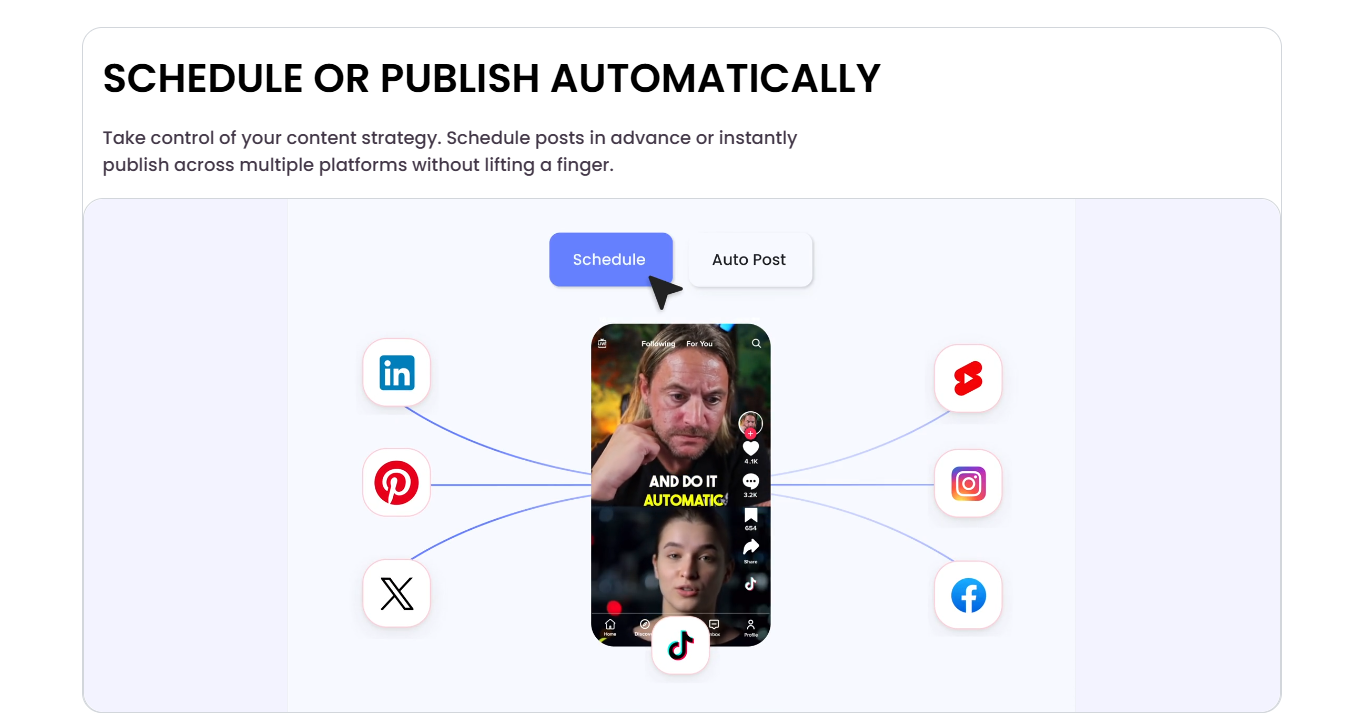
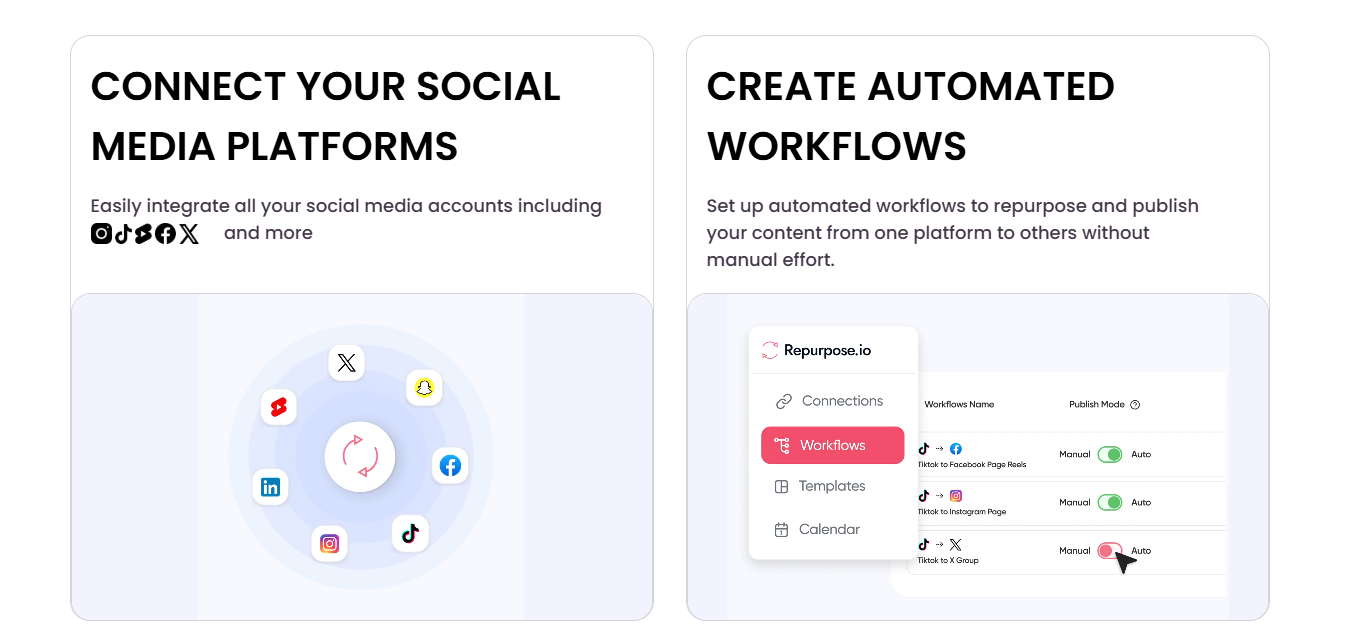
A “Workflow” is the instruction you give the software. It follows a simple logic: Source → Action → Destination. You can set these to “Manual” (where you approve each post) or “Auto” (where the software publishes immediately upon detecting new content).
2. Watermark Removal
One of the most critical features for repurpose Content Creators is the ability to remove platform-specific watermarks. Algorithms on Instagram and YouTube often suppress content that bears a visible TikTok logo. Repurpose.io handles this cleaning process automatically.
3. Audio to Video
Podcasters can link their RSS feed, and the platform will automatically generate audiograms—videos with a static image and a moving waveform—ready for social media.
How Repurpose.io Works: A Step-by-Step Guide
To truly understand the value in this repurpose review, let’s look at a practical setup scenario.
- Connect Identities: You link your social accounts (TikTok, YouTube, Facebook, LinkedIn, Audio Podcast, etc.).
- Create a Workflow: Choose a source (e.g., TikTok) and a destination (e.g., YouTube Shorts).
- Configure Settings: You can choose to convert hashtags, add custom intro/outro videos, or resize the video format (e.g., from landscape to square).
- Publish: Set it to auto-publish or schedule it for a specific time.
Repurpose IO Login and Security
Accessing the platform is straightforward. The repurpose io login process is secured via standard encryption protocols. You do not need to give the software your direct password; instead, it uses OAuth tokens to authorize permissions with platforms like YouTube and Facebook. This ensures that your account credentials remain safe, and you can revoke access at any time via your social media security settings.
When you first log in, you are greeted by the “Connections” tab. This is where the magic starts. We recommend connecting your primary content source first before adding destinations.
Why Content Creators Are Switching to Automation
According to recent data, the creator economy is shifting from “curated perfection” to “consistent volume.”
“Video content on social media generates 1200% more shares than text and image content combined.”
– G2 Crowd, 2025
For repurpose Content Creators, this statistic highlights a massive opportunity. However, manually editing and uploading to five different platforms can lead to burnout. Automation allows you to maintain a presence on LinkedIn, X (Twitter), Instagram, and YouTube, even on days when you are not actively creating.
Furthermore, search engines and social algorithms favor consistency. By using repurpose io, you ensure a steady stream of content, which signals to algorithms that your account is active and relevant.
Detailed Pros and Cons
No repurpose review is complete without an honest look at the advantages and limitations.
- Time Efficiency: Saves approximately 10-15 hours of manual work per week.
- No Watermarks: Clean video downloads from TikTok and Reels.
- Cross-Platform: Supports a massive range of integrations including Google Drive, Dropbox, and WordPress.
- Calendar View: Visualizes your content schedule.
- Interface: The UI is functional but can feel slightly dated compared to newer AI tools.
- Error Logs: Occasionally, API disconnects occur (a common issue with all automation tools), requiring a quick re-login.
Pricing and Value Proposition
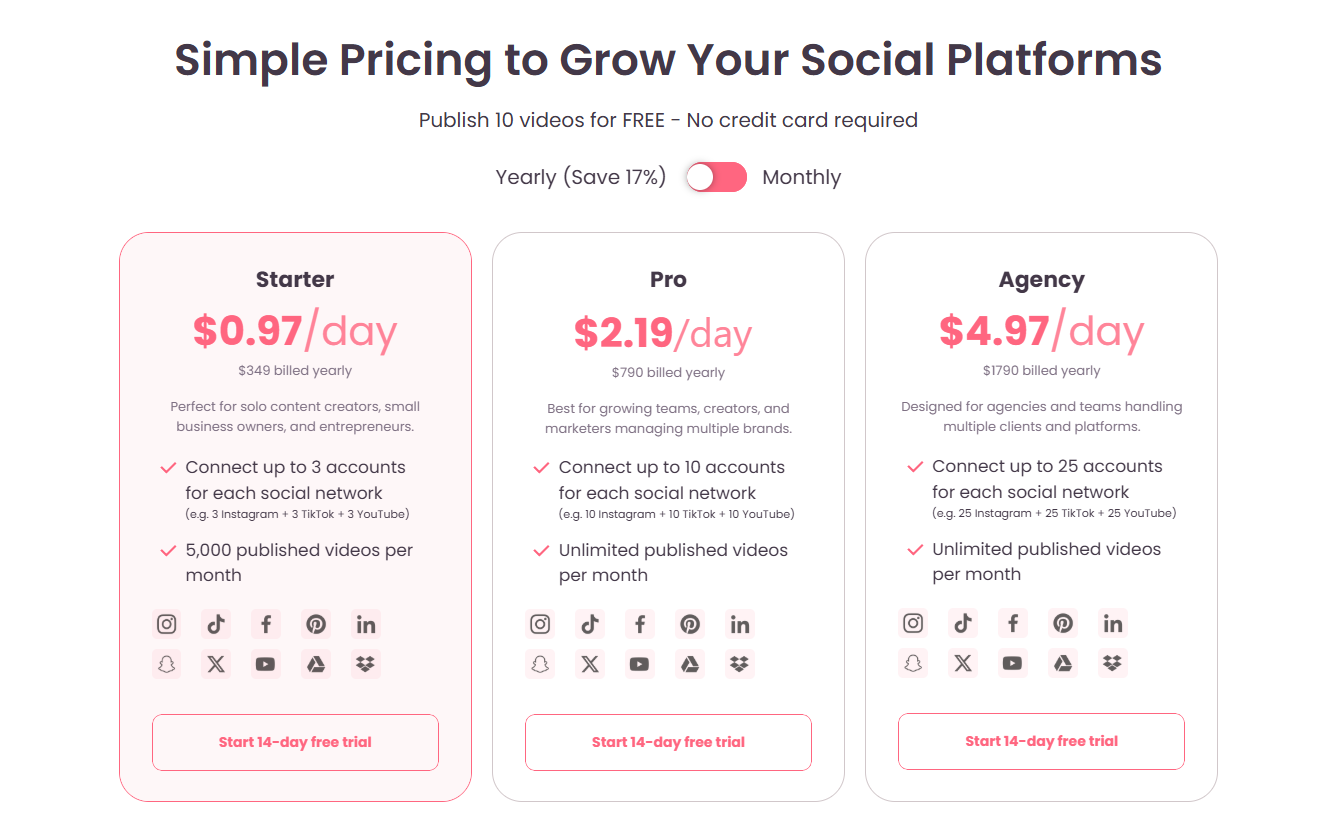
Repurpose.io offers a 14-day free trial, which is highly recommended to test if the workflow suits your style.
- Podcaster Plan: Focuses on audio-to-video.
- Content Marketer Plan: The most popular choice, unlocking all video-to-video features, watermark removal, and unlimited connections.
- Agency Plan: Designed for those managing multiple client accounts.
Considering the cost of hiring a Virtual Assistant (VA) to download and re-upload videos manually, the subscription cost of Repurpose.io offers a significantly higher ROI for independent creators.
For a broader look at the creator economy market size, you can refer to reports by Goldman Sachs Creator Economy Report.
Comparison: Repurpose.io vs. Competitors
While there are other tools on the market, Repurpose.io holds a unique position due to its focus on full automation.
| Feature | Repurpose.io | Later/Buffer | Manual Upload |
|---|---|---|---|
| Core Function | Content Repurposing & Automation | Scheduling & Planning | Complete Control |
| Watermark Removal | Automated | No | Requires extra tools |
| Instant Cross-Posting | Yes | Limited | No |
Conclusion
In 2026, the most successful creators are not just artists; they are efficient media companies. This repurpose review has highlighted that while the tool has a learning curve, the payoff in time saved and audience growth is undeniable. Whether you are looking to dominate the repurpose center of operations or simply find an easier way to manage your repurpose io login across devices, this tool is essential.
By defining a clear repurpose strategy, you can stop trading time for views and start letting the software work for you.
If you are ready to take your content distribution to the next level, we highly recommend trying out their platform.
Automate Your Content Strategy Today
Join thousands of creators saving 10+ hours a week. Try it risk-free.
Start Your Free Trial of Repurpose.io